Context
TOQAN is Prosus’ in-house AI assistant, an internal alternative to Claude and ChatGPT used by more than 3,000 people. I joined the team as a fractional UX engineer, and designed the new interface together with another UX engineer on site.
Problem
The app felt generic and confusing. The same patterns showed up with a different UI on every screen, nothing was consistent, and changing the product’s vibe was close to impossible. Underneath sat a heavy technical debt: libraries installed at random, and four or five different ways to build a tooltip or a set of tabs.
The hard call: slow down first
Patching the old design system would have kept the debt alive, so we rebuilt it from scratch. That meant the hardest decision of the project: slowing feature work down for about a month, so the team could then ship new things on solid ground. It paid off: everything below was built on top of that month.
Flamingo, the design system
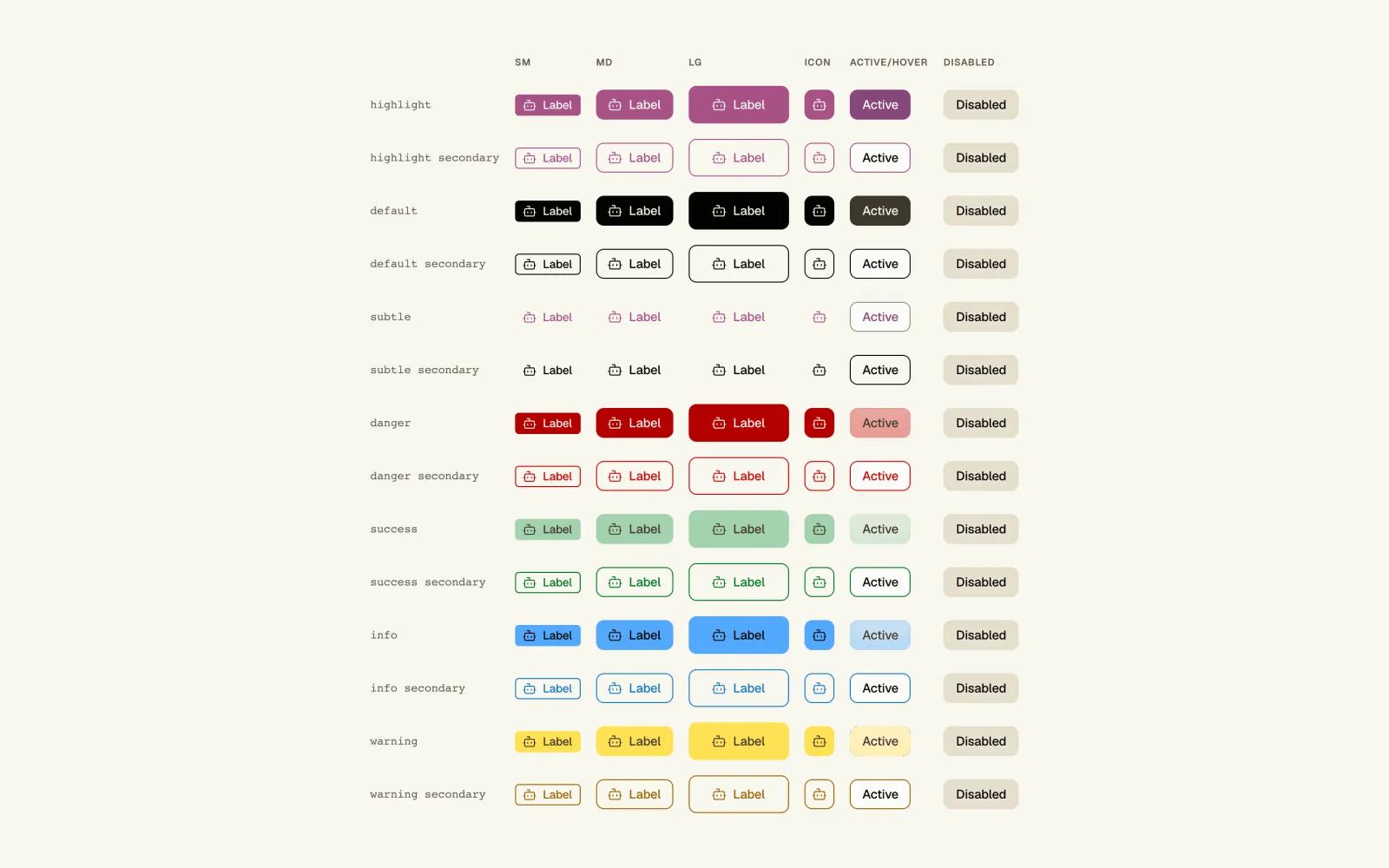
Flamingo is a full component library: buttons in every intent, dialogs, banners, notices, tooltips, chips, pagination, and the layout, typography and motion tokens that tie it all together. Dark and light themes are first-class, everything is documented in Storybook, and a single set of tokens drives the whole app, so the team moves fast without consistency drifting. I also rewrote the rendering layer, trimmed the bundle and consolidated data fetching: response times in the core flows are now 52% faster.
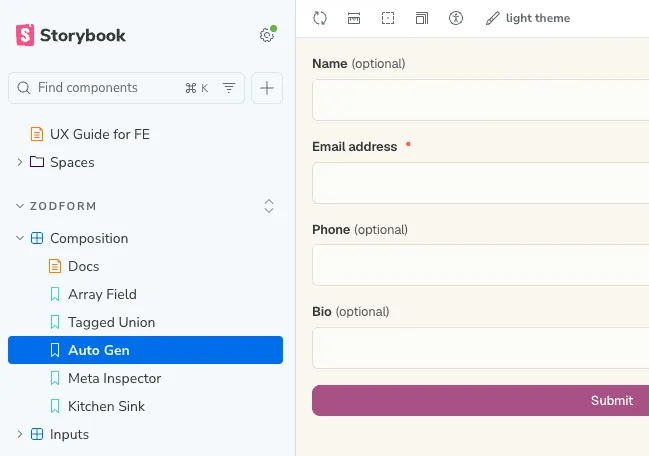
ZodForm
Before, every form was a new piece of work. ZodForm turns a Zod schema into a real form: inputs, validation messages, tagged unions for branching shapes, array fields and nested objects, all rendered with Flamingo. It is faster for people, and token-efficient for AI agents too: they write a schema, not a form. Today every form in TOQAN uses it, except a few legacy ones still being migrated.
ToqanClaw
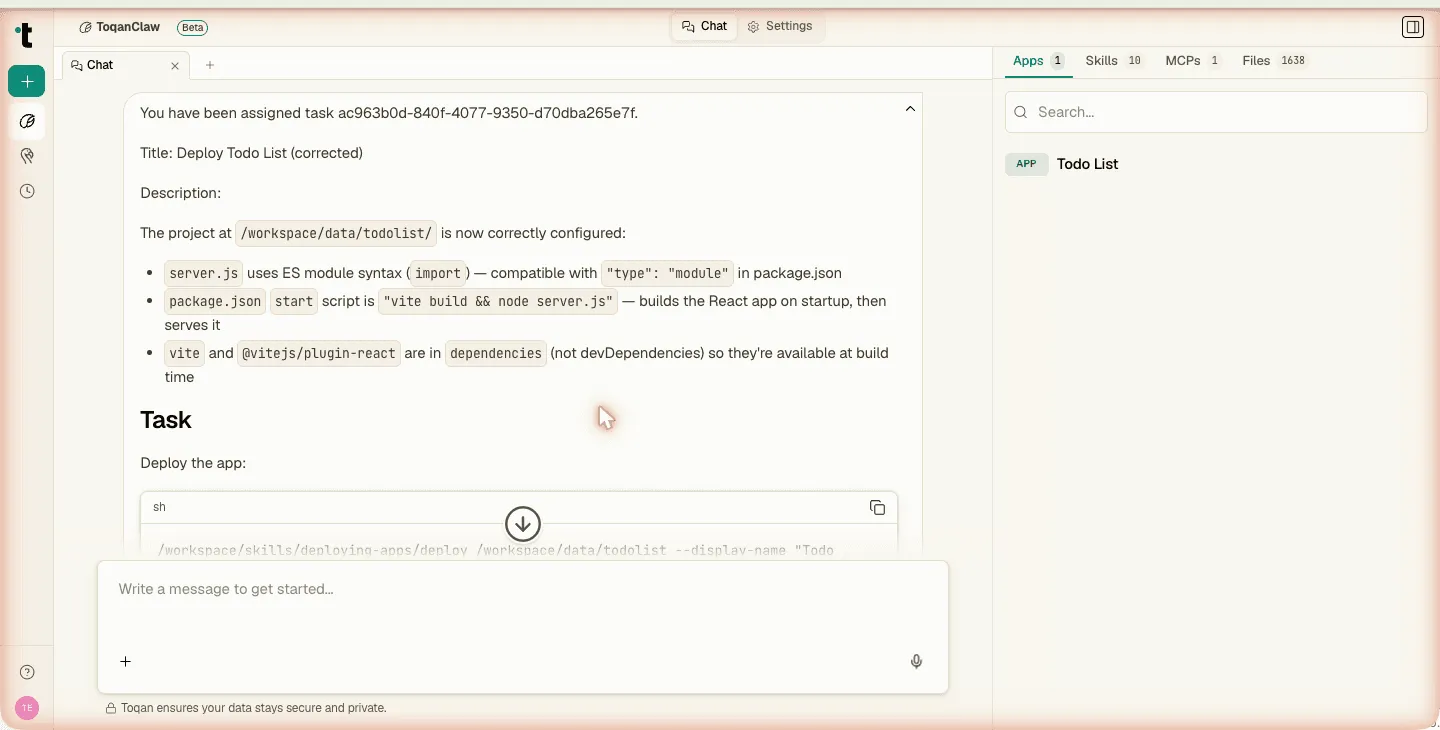
ToqanClaw is the new product management asked for inside TOQAN: a coding and automation workspace where the conversation sits next to the tools it needs. The chat is multi-tab, tabs can be dragged around, history sticks, and a collapsible setup rail keeps the agent’s environment one click away. Four panels sit on the right (Apps, Skills, MCPs, Files): deploy and preview apps with HTML and PDF rendered inline, share skills through a curated marketplace, wire up MCP servers with OAuth or bearer auth, and browse files. The board view, scheduled tasks, the progress meter and the reasoning UI all live on the same surface, so power users have one place to run and watch long work happen.
Around the chat
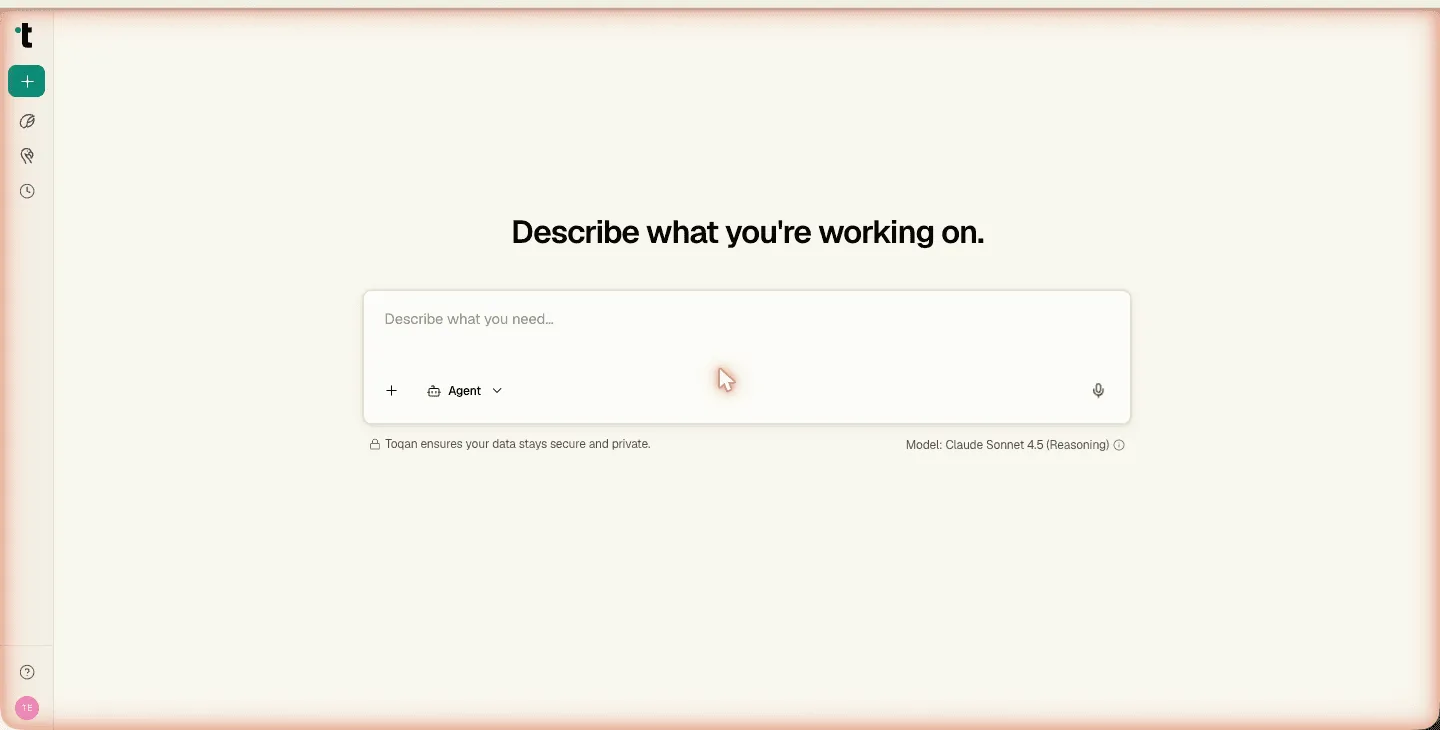
TOQAN turned into something you open every morning. Daily Insights greets every session with a curated digest, waiting on auth so it never loads half-cooked. Market Intelligence drops suggestion cards backed by contextual dialogs, so a question becomes a structured workflow in two clicks. Business profile extraction grounds every answer in the user’s company, and a restaurants vertical adds review refresh and reply suggestions on the same primitives: the platform ships industry-specific surfaces without forking the UI.
Outcome
- One design system instead of four or five ways to build the same component
- Core flows 52% faster in response time
- Every form on ZodForm, apart from a few legacy ones in migration
- A new product, ToqanClaw, built on the new foundations